
uni-app小程序,基于vue实现电商商城
uni-app,项目功能完整,后续可能将不断升级。关注作者,及时了解更多好项目!作者主页也有更多好项目分享!获取源码或如需帮助,可通过博客后面名片+作者即可!其他作品集合《uni-app基于vue实现商城小程序》《Springboot+Spring Security+OAuth2+redis+mybatis-plus+mysql+vue+elementui实现请假考勤系统》《vue+element
·
目录
一、前言
源码下载请看文章最后👇
项目在线预览:点击访问
项目采用传统vue项目结构,即uni-app打包和运行成小程序,使用HBuilder开发工具开发项目,通过运行启动“微信开发者工具”完成项目启动。
二、项目效果图
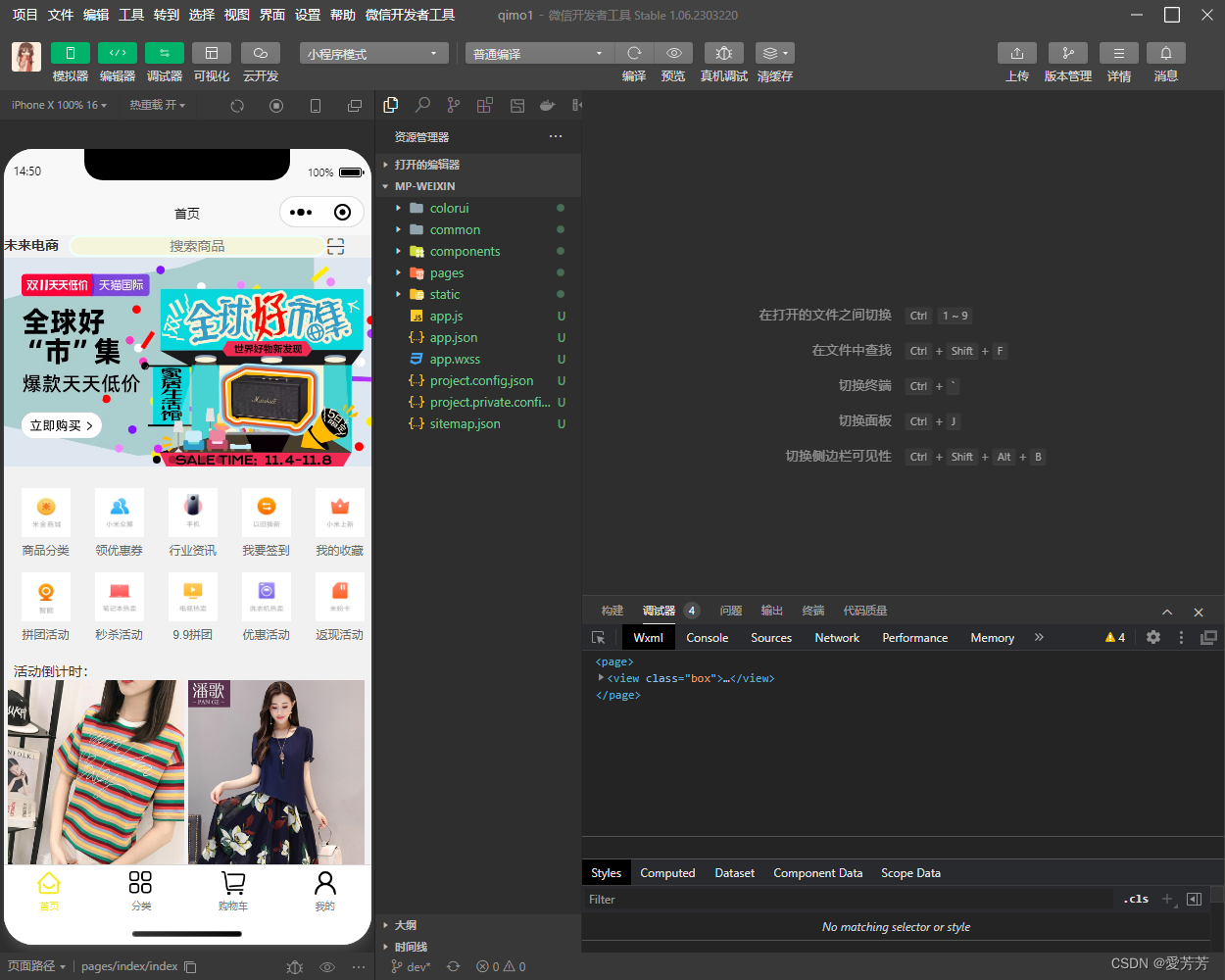
1.首页
2.分类
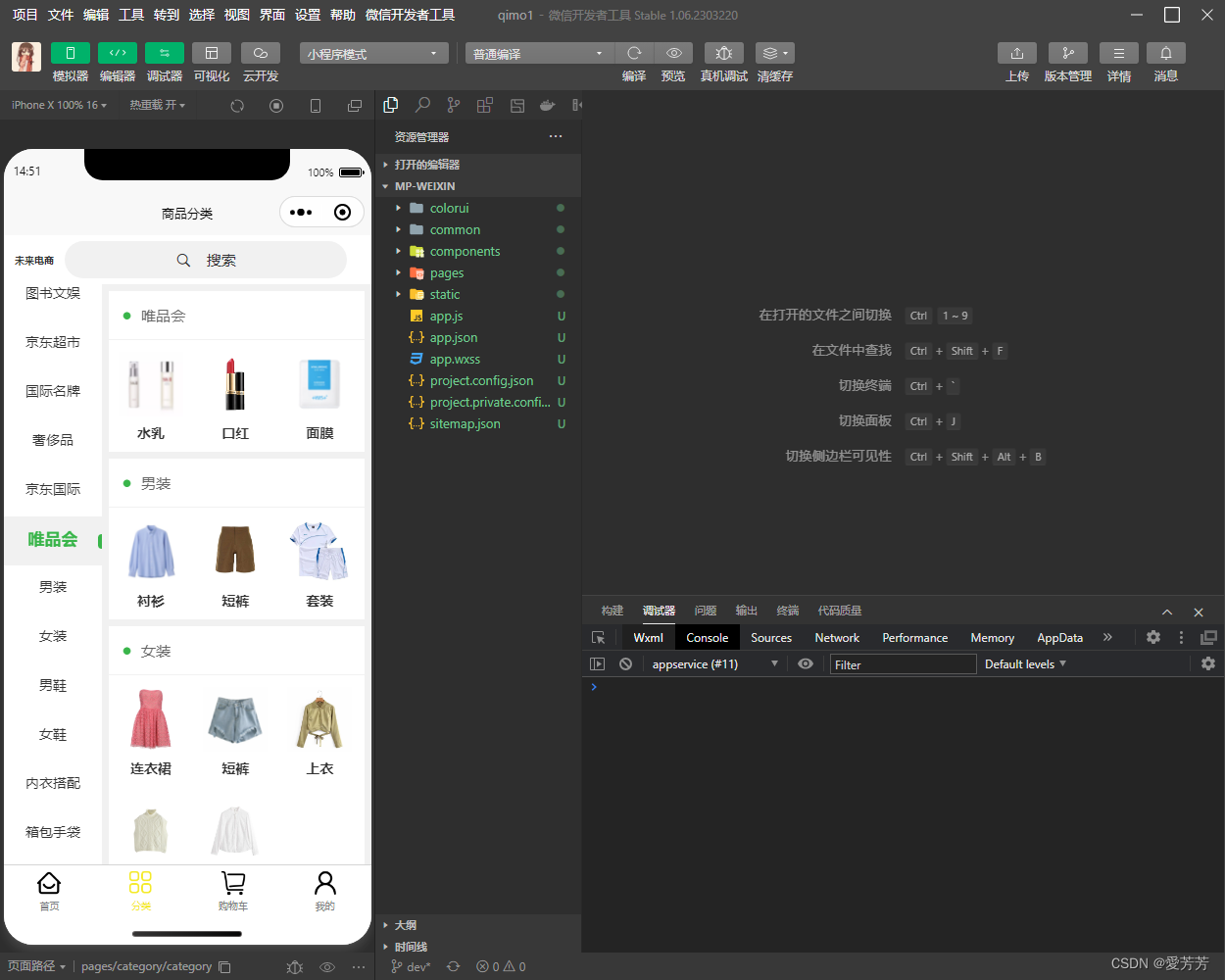
1.一级分类
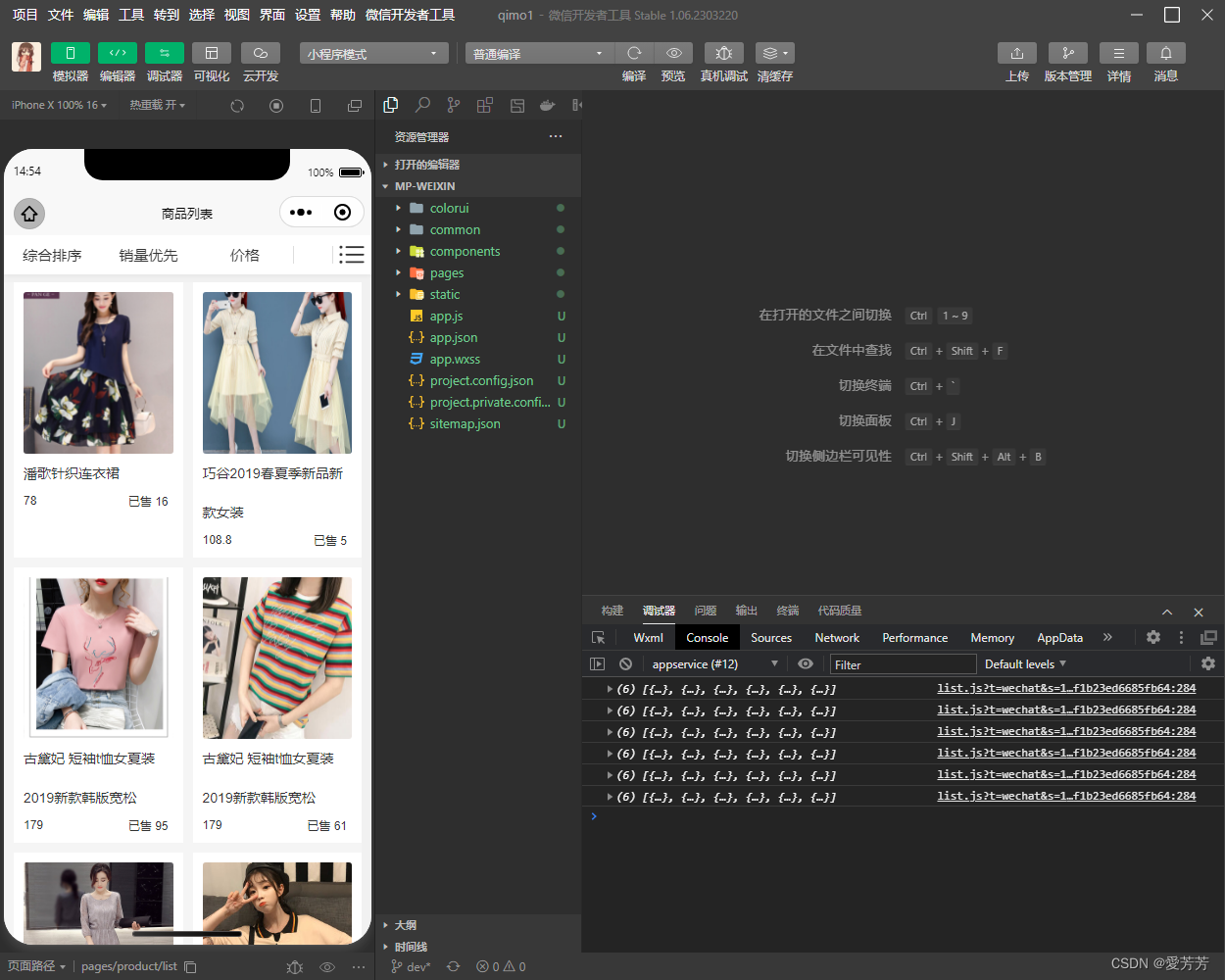
 2.二级分类
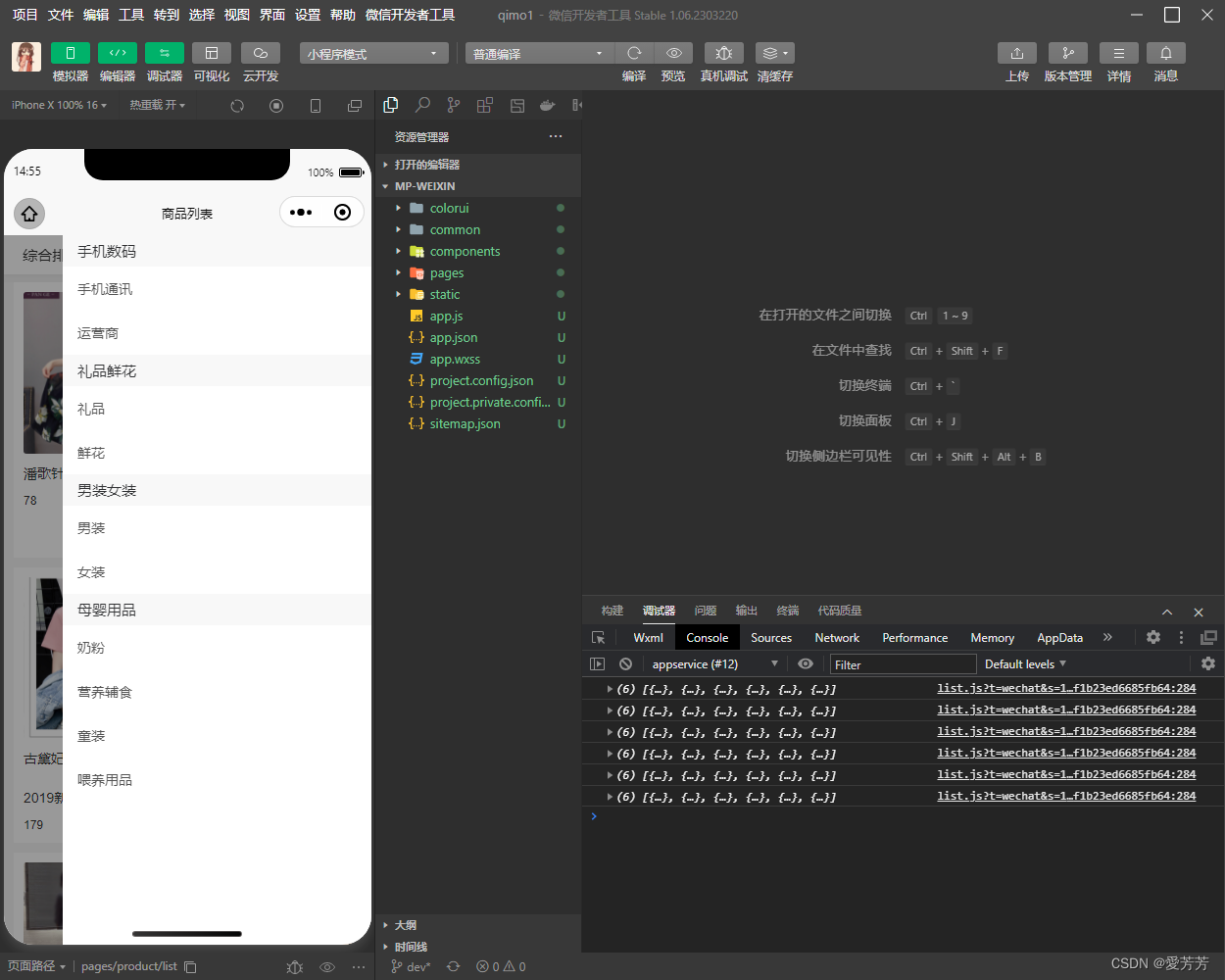
3.刷选、动态模拟加载数据
3.购物车
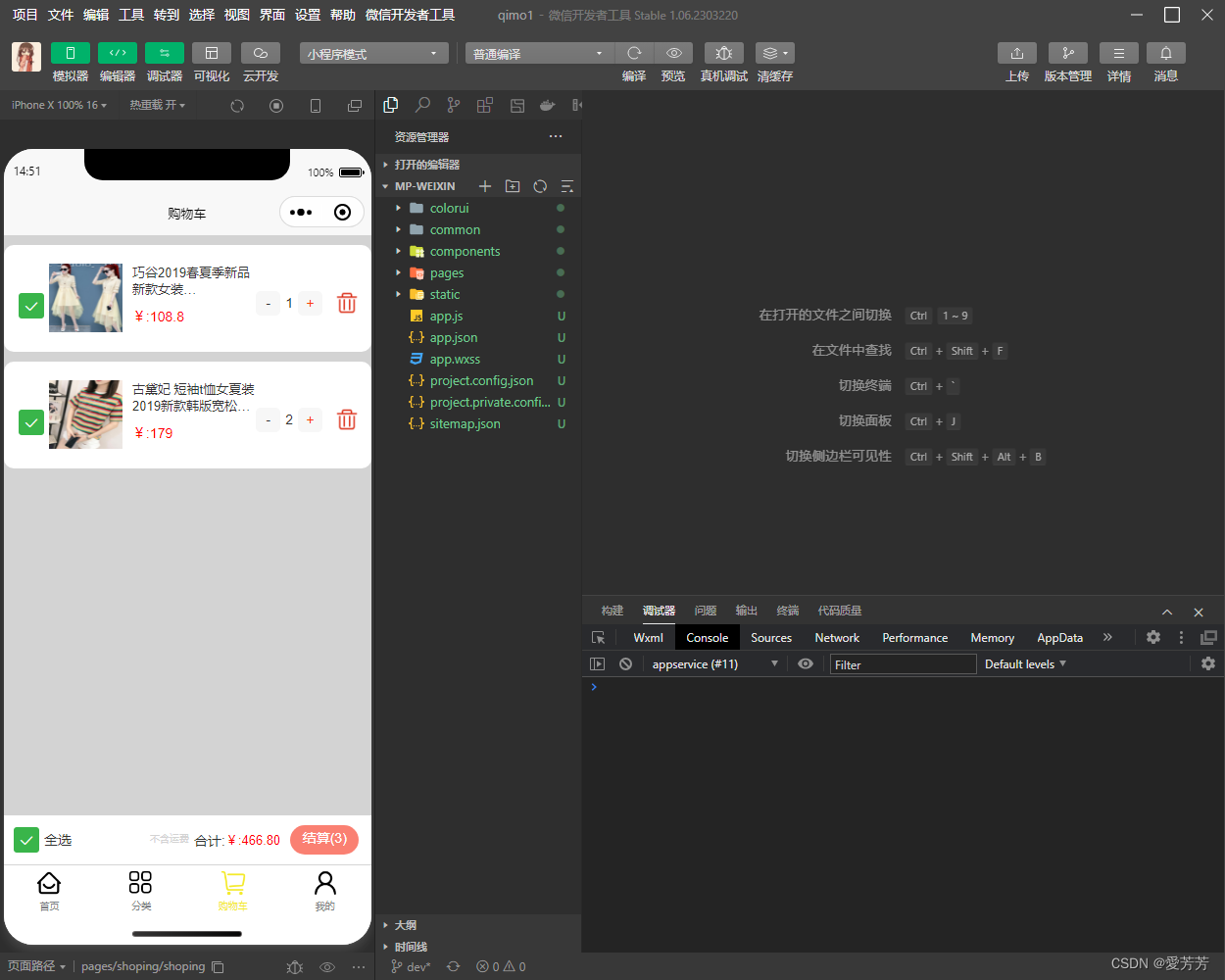
4.我的
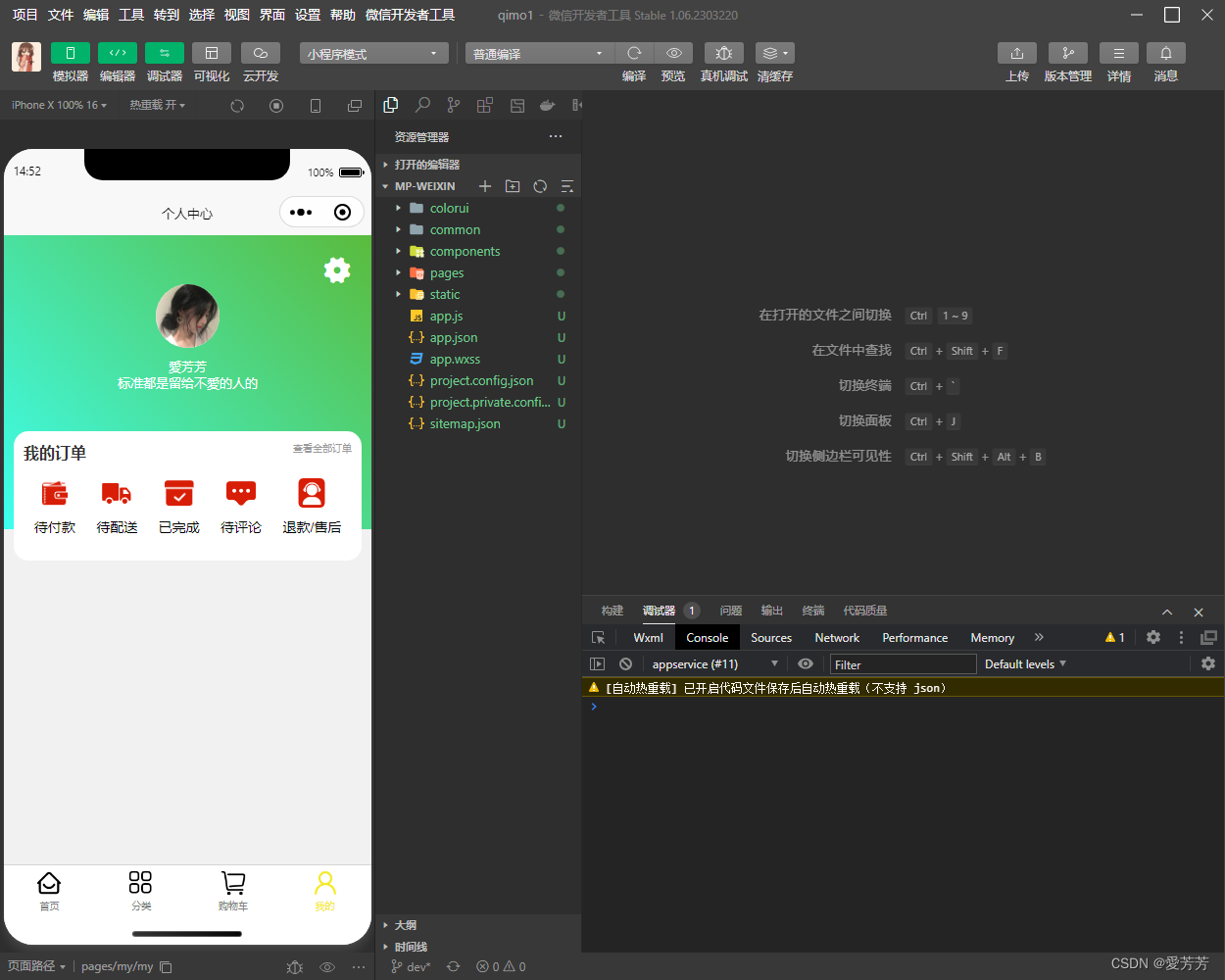 5.商品详情页
动态传递参数加载对应商品数据
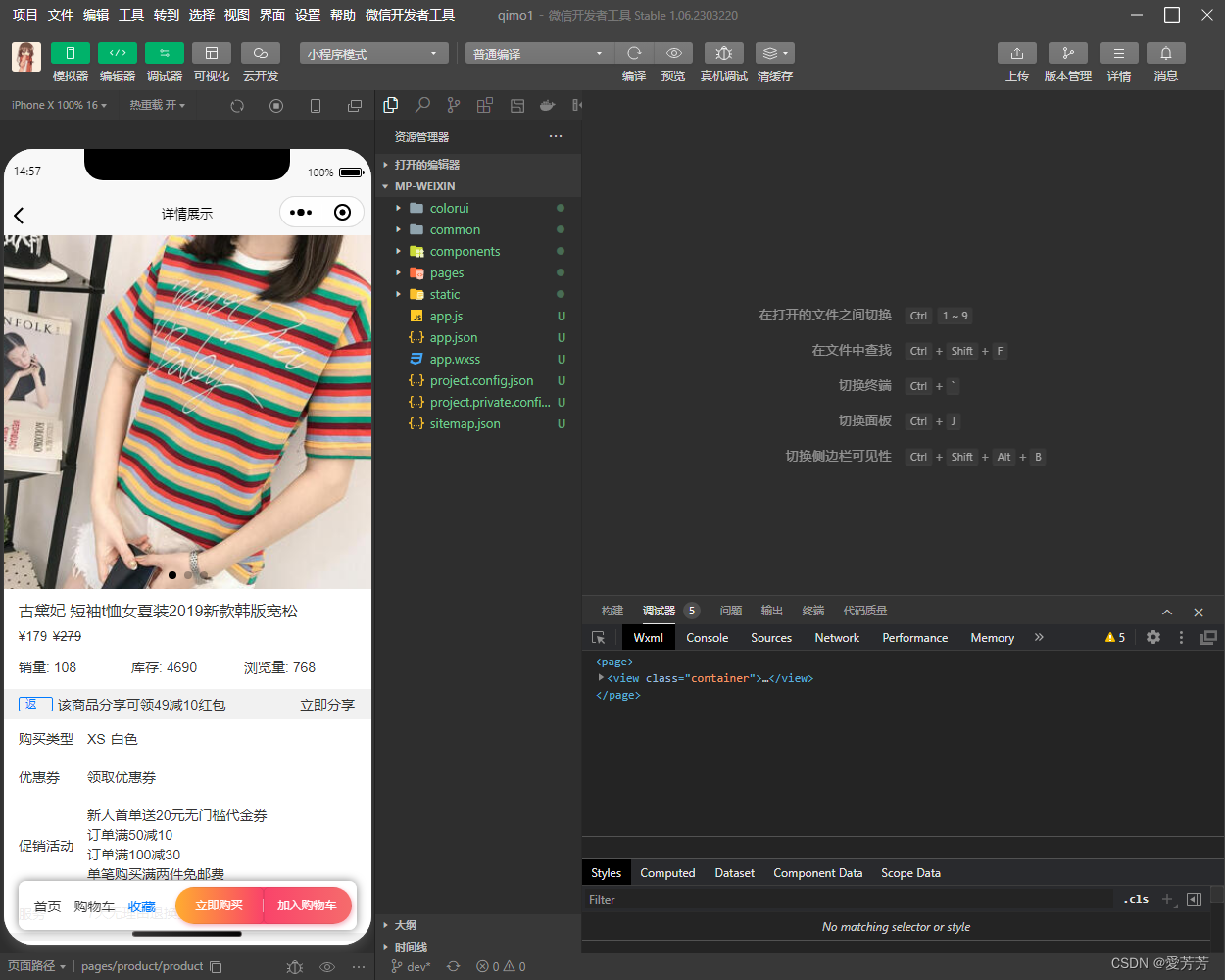
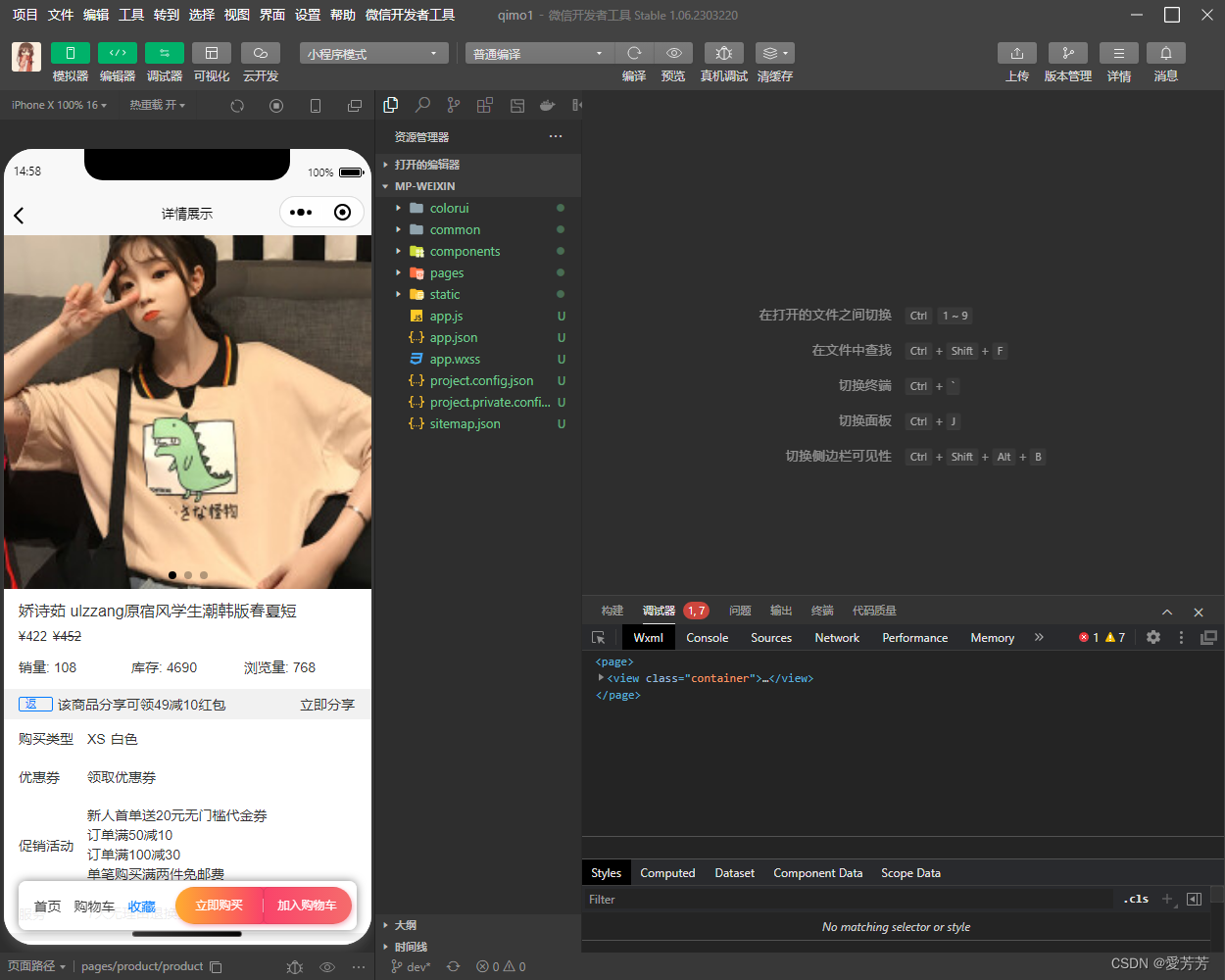
6.提交订单(立即购买)
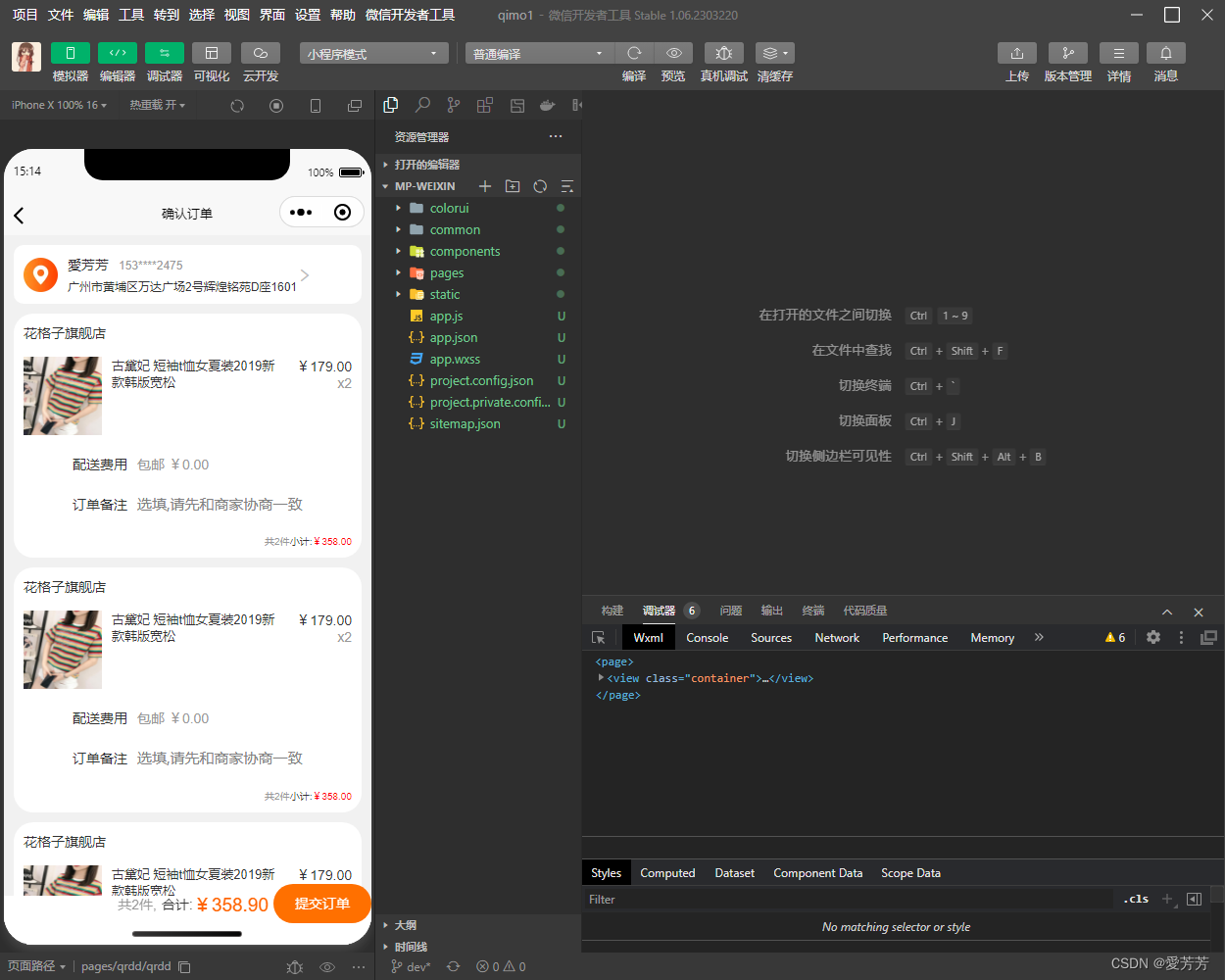
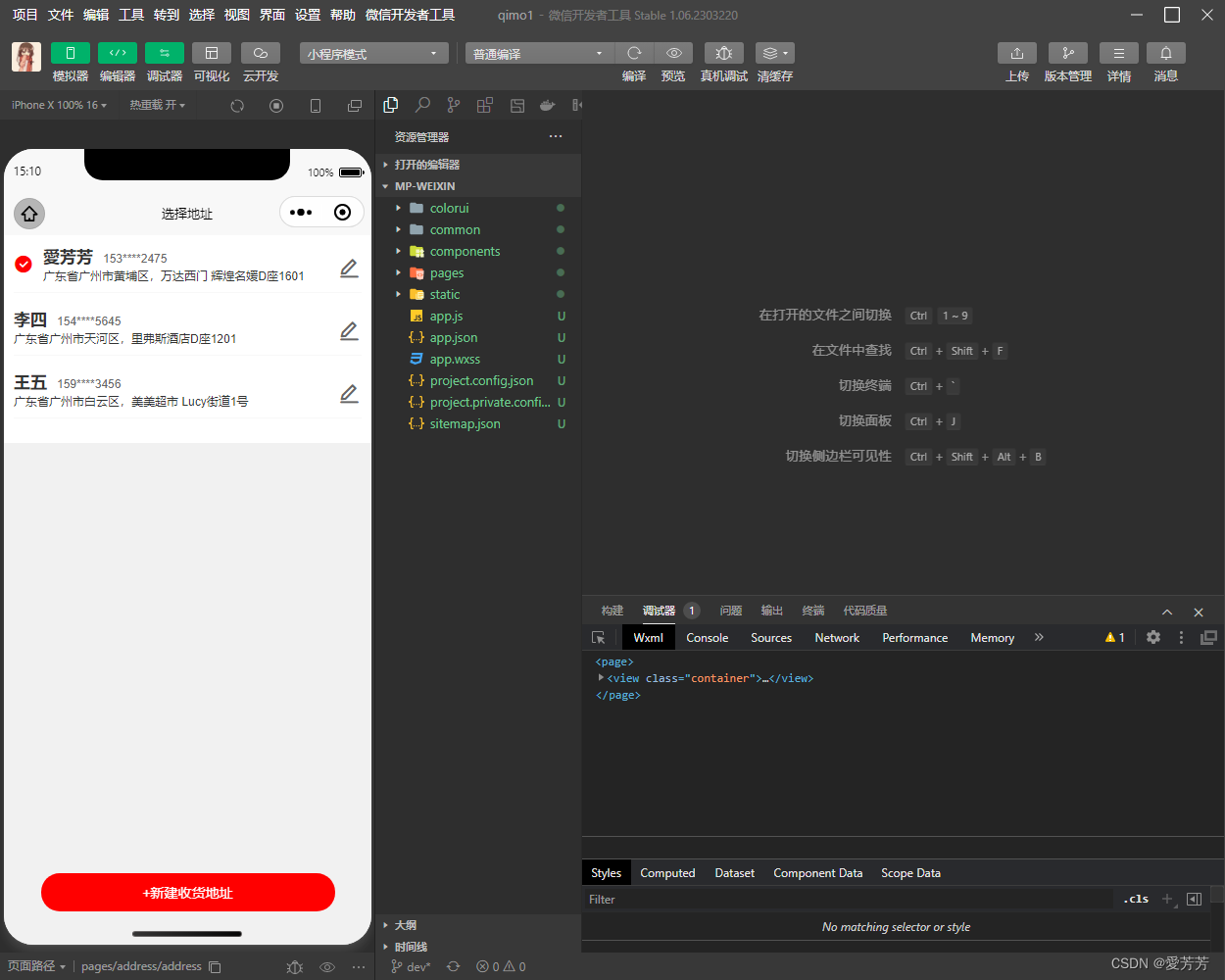
7.地址管理
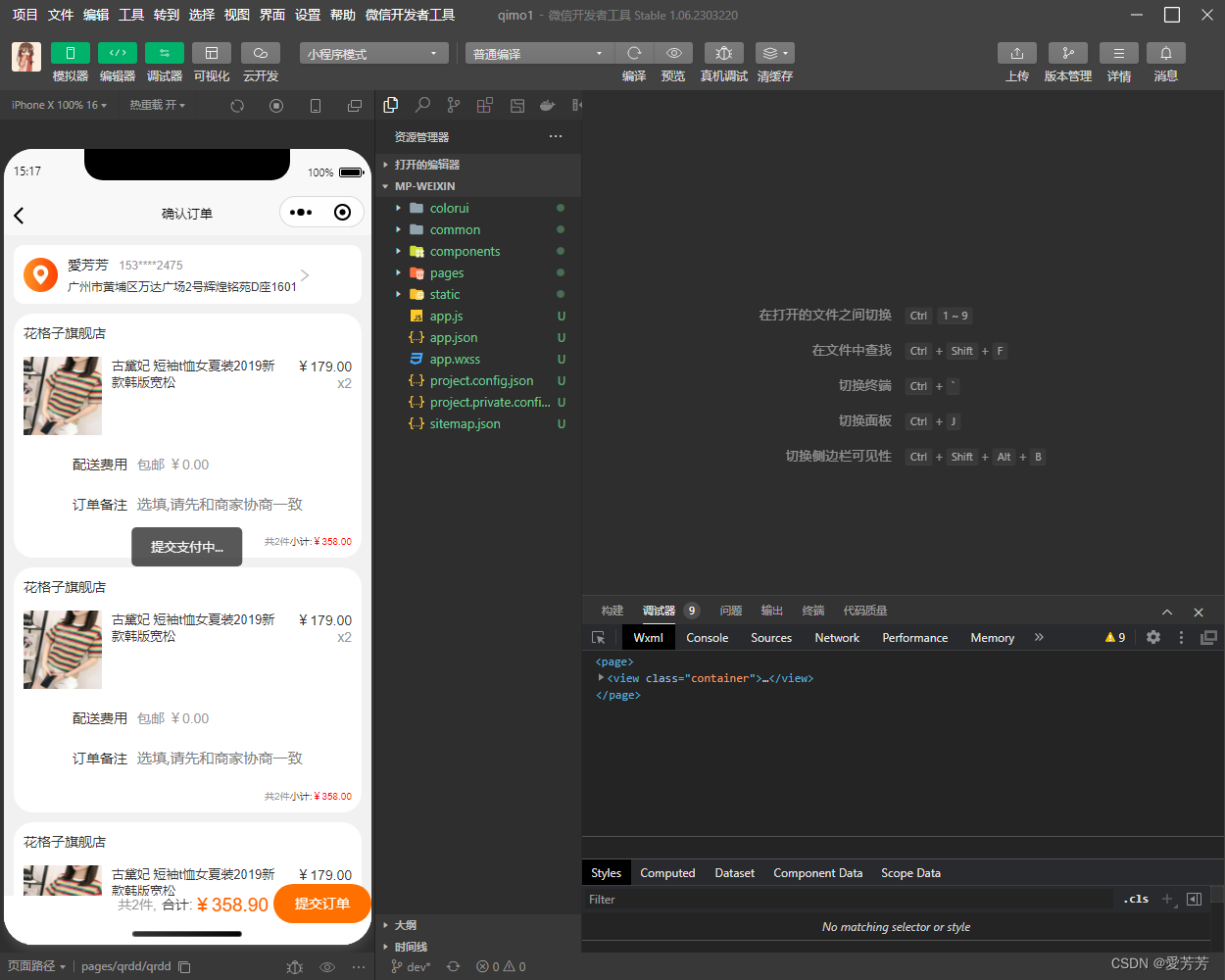
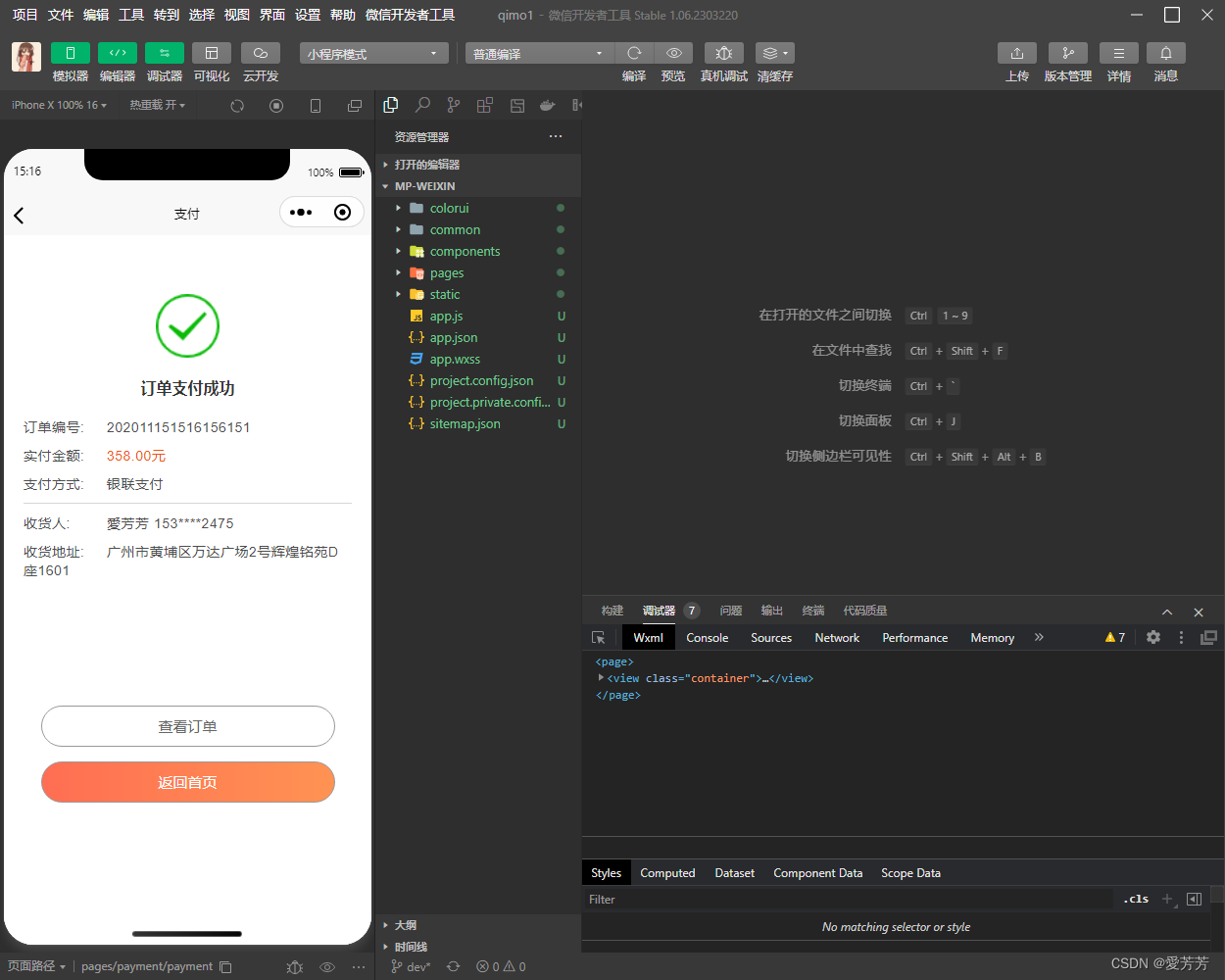
8.提交订单成功
9.订单列表
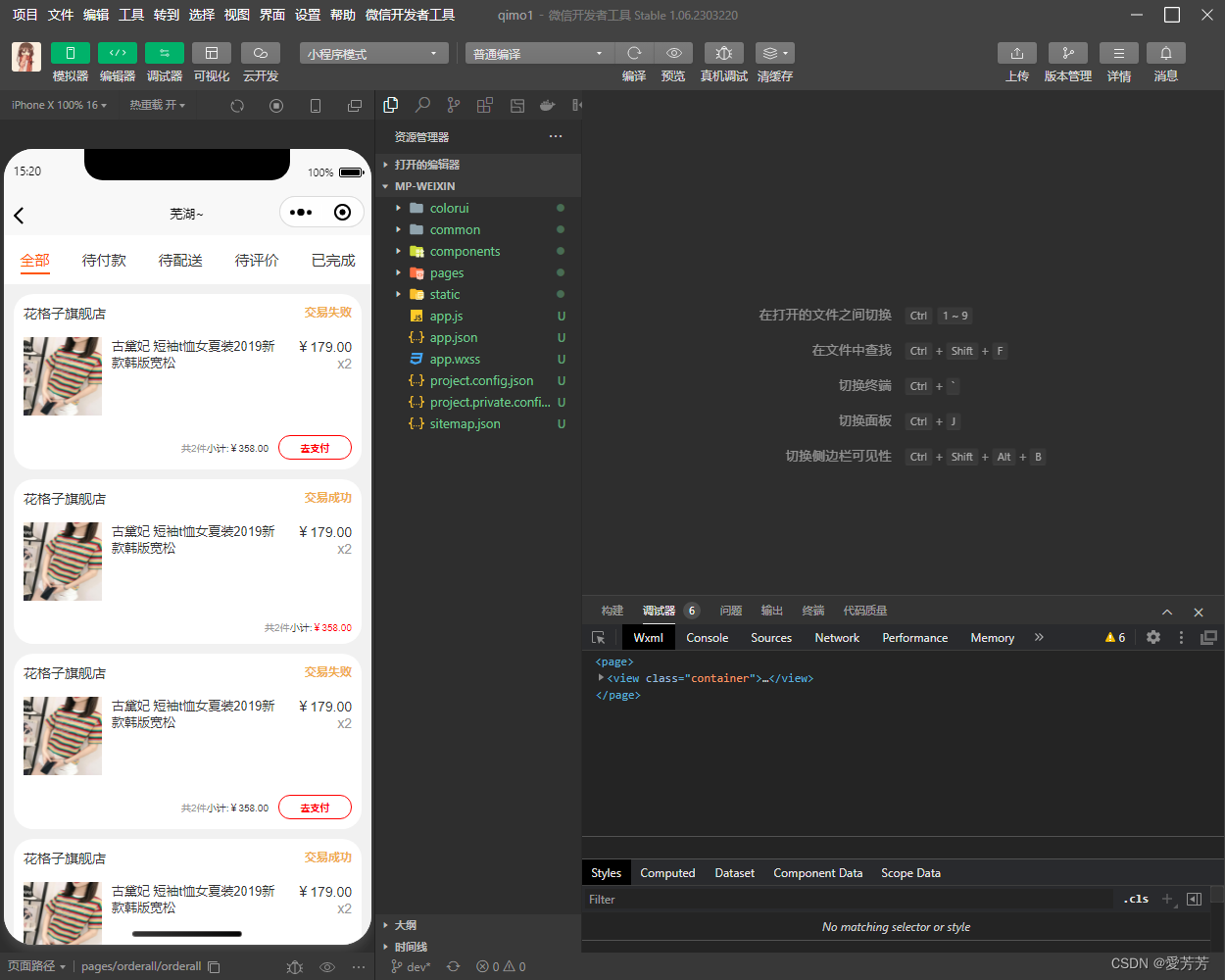
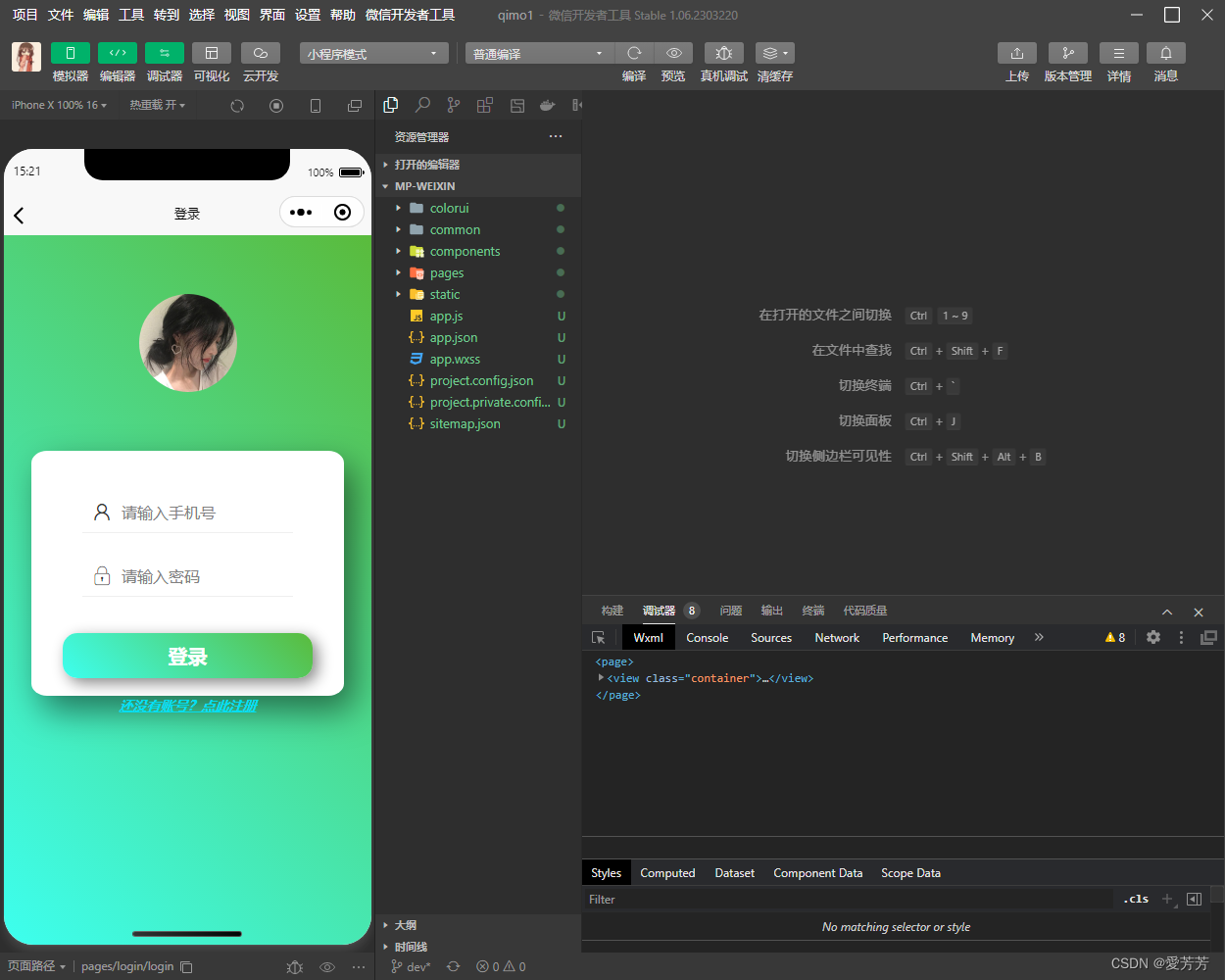
9.登录
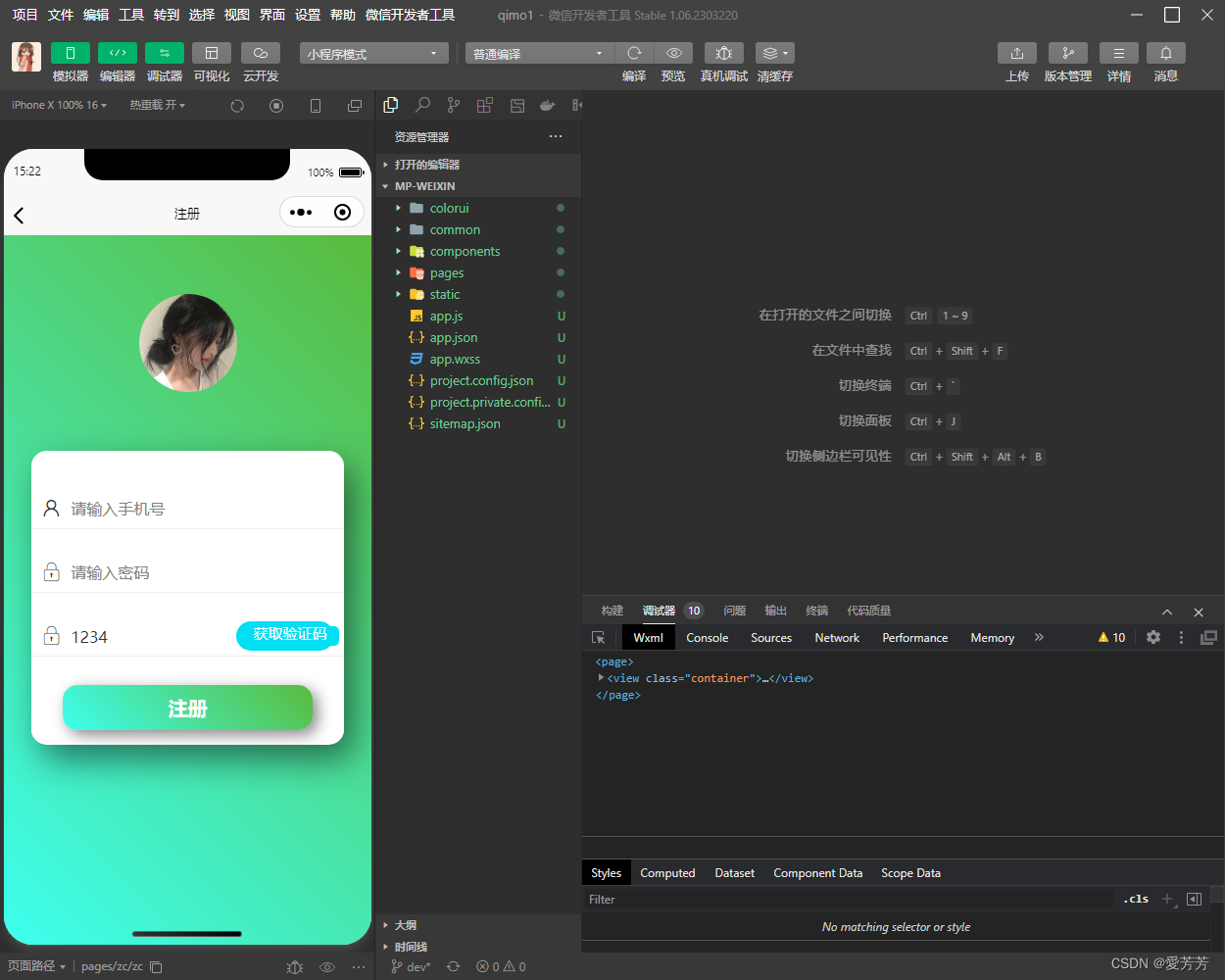
10.注册
三、代码实现
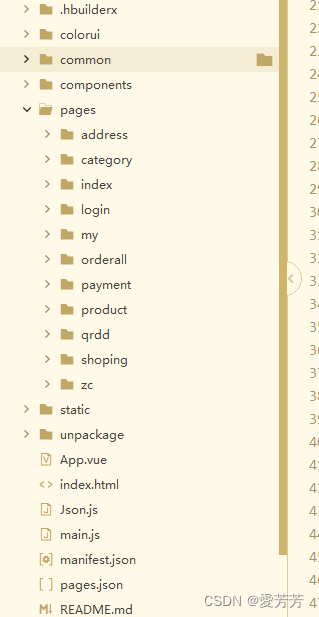
1.项目结构截图 uni-app,Hbuilder
2.登录注册
模拟用户登录注册流程,用户信息校验、用户信息存储在缓存里;
<template>
	<view class="container">
		<image src="../../static/v2-4a62f0b508e7c37057e791c3eb3c7dd9_r.jpg" mode="" class="image"></image>
		<view class="content">
			<view class="login-input">
				<view class="login-wrap">
					<text class="iconfont iconwode1"></text>
					<input type="text" value="" placeholder="请输入手机号" v-model="usephone1" maxlength="11" />
				</view>
				<view class="login-wrap">
					<text class="iconfont iconmima"></text>
					<input type="text" value="" maxlength="6" v-model="usepas1" placeholder="请输入密码" />
					<!-- <view class="yzmBtn">
						<button class="bott" @click="hq" style=" width: 100px;height: 20px;">获取验证码</button>
					</view> -->
				</view>
			</view>
			<view class="tijiaobtn" @click="loginBtn">
				登录
			</view>
		</view>
		<view class="gozc" @click="zc">
			还没有账号?点此注册
		</view>
	</view>
</template>

<script>
	export default {
		data() {
			return {
				usephone1: "",
				usepas1: "",

			};
		},
		methods: {
			//登录BTn
			loginBtn() {
				if (this.usephone1 && this.usepas1) {
					var arr = uni.getStorageSync("List") ? uni.getStorageSync("List") : [];
					let hadRegister = false;
					for (var i = 0; i < arr.length; i++) {
						if (arr[i].user == this.usephone1 && arr[i].pass == this.usepas1) {
							hadRegister = true;
							let obj = {
								'user': this.usephone1,
								'pass': this.usepas1,
							}
							uni.setStorageSync('infor',obj
							// success: () => console.log('存储成功')
							)
							uni.showToast({
								title: '登录成功',
								icon: 'none', //如果要纯文本,不要icon,将值设为'none'
								duration: 2000 //持续时间为 2秒
							})
							setTimeout(()=>{
								uni.switchTab({
									url: '/pages/my/my', //要跳转的页面
								})
							},1000);
							break;
						}
						if (i === (arr.length-1) && !hadRegister) {
							uni.showModal({
								title: '请先完成注册',
								showCancel: false
							})
						}
					}
				}
			},
			hq() {
				uni.showToast({
					title: '验证码为12345',
					icon: 'none', //如果要纯文本,不要icon,将值设为'none'
					duration: 2000 //持续时间为 2秒
				})
			},
			zc() {
				uni.navigateTo({
					url: '../zc/zc'
				})
			}
		}
	}
</script>

<style>
	page {
		background-image: linear-gradient(45deg, #3dffef, #5abb3c);
		;
	}

	.container {
		display: flex;
		flex-direction: column;

		align-items: center;
	}

	.image {
		width: 200rpx;
		height: 200rpx;
		border-radius: 50%;
		margin: 120rpx 0;
	}

	.content {
		width: 85%;
		height: 500rpx;
		background-color: #FFFFFF;
		border-radius: 5%;
		display: flex;
		flex-direction: column;
		align-items: center;
		justify-content: space-around;

		box-shadow: 10px 15px 35px rgba(0, 0, 0, 0.5);
	}

	.login-input {
		/* padding: 0 40rpx; */

	}

	.login-input .login-wrap {
		display: flex;
		align-items: center;
		height: 80rpx;
		border-bottom: 1px solid #EFEFEF;
		margin-top: 50rpx;
	}

	.login-input .login-wrap text {
		margin: 0 20rpx;
		font-size: 40rpx;
	}

	.login-input .login-wrap input {
		font-size: 33rpx;
	}

	.login-input .login-wrap .yzmBtn {
		float: right;
		width: 200rpx;
		margin-right: 20rpx;
		background-color: #02dff3;
		padding: 10rpx;
		border-radius: 30rpx;
		text-align: center;
		color: #FFFFFF;
	}


	/* 登录按钮 */
	.tijiaobtn {
		background-image: linear-gradient(45deg, #3dffef, #5abb3c);
		width: 80%;
		padding: 20rpx 0;
		text-align: center;
		font-size: 40rpx;
		color: #FFFFFF;
		font-weight: 700;
		box-shadow: 5px 5px 15px #888888;
		border-radius: 30rpx;
	}

	.bott {
		padding-left: 0px;
		padding-right: 0px;
		line-height: 1;
		font-size: 15px;
		background-color: #02dff3;
		border: #02dff3;
		color: white;
		border: none;
	}

	.gozc {
		color: #02dff3;
		text-decoration: underline;
		font-weight: bold;
		font-style: italic;
	}

	button::after {
		border: none;
	}
</style>
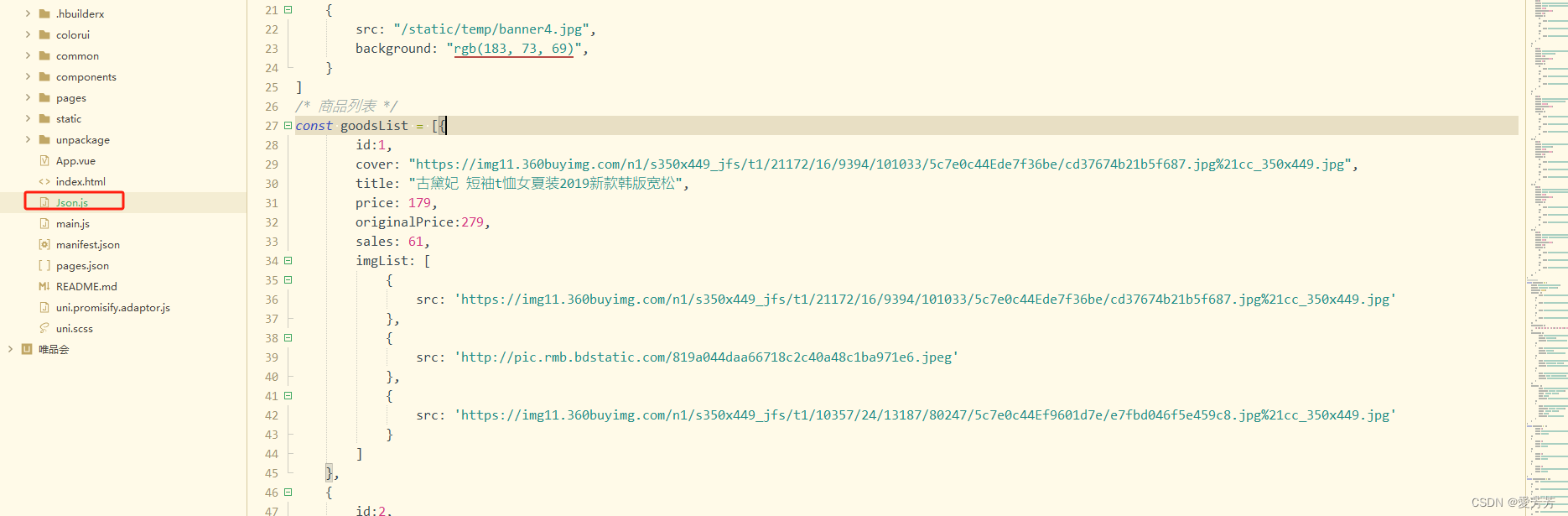
3.商品等数据信息
独立出文件进行管理,通过:this.$api.json('goodsList');调用数据
四、总结
项目功能完整,后续可能将不断升级。
关注作者,及时了解更多好项目!
作者主页也有更多好项目分享!
获取源码或如需帮助,可通过博客后面名片+作者即可!
 https://download.csdn.net/download/lucky_fang/92708139
电商企业物流数字化转型必备!快递鸟 API 接口,72 小时快速完成物流系统集成。全流程实战1V1指导,营造开放的API技术生态圈。
更多推荐

 2
2 0
0- 0


 已为社区贡献7条内容

所有评论(0)