
影刀RPA性能优化:从3分钟到30秒的提速指南
·
影刀RPA性能优化:从3分钟到30秒的提速指南
作者: 林焱 | 阅读时间: 约13分钟 | 难度: ⭐⭐⭐⭐ 高级
SEO关键词: 影刀RPA性能优化、RPA流程提速、影刀RPA调优、自动化效率提升
一、一个真实的性能优化故事
小王用影刀RPA写了一个电商数据采集流程,采集100个商品需要跑 3分钟。
老李优化后,同样的数据量只需要 30秒。提速6倍!他是怎么做到的?
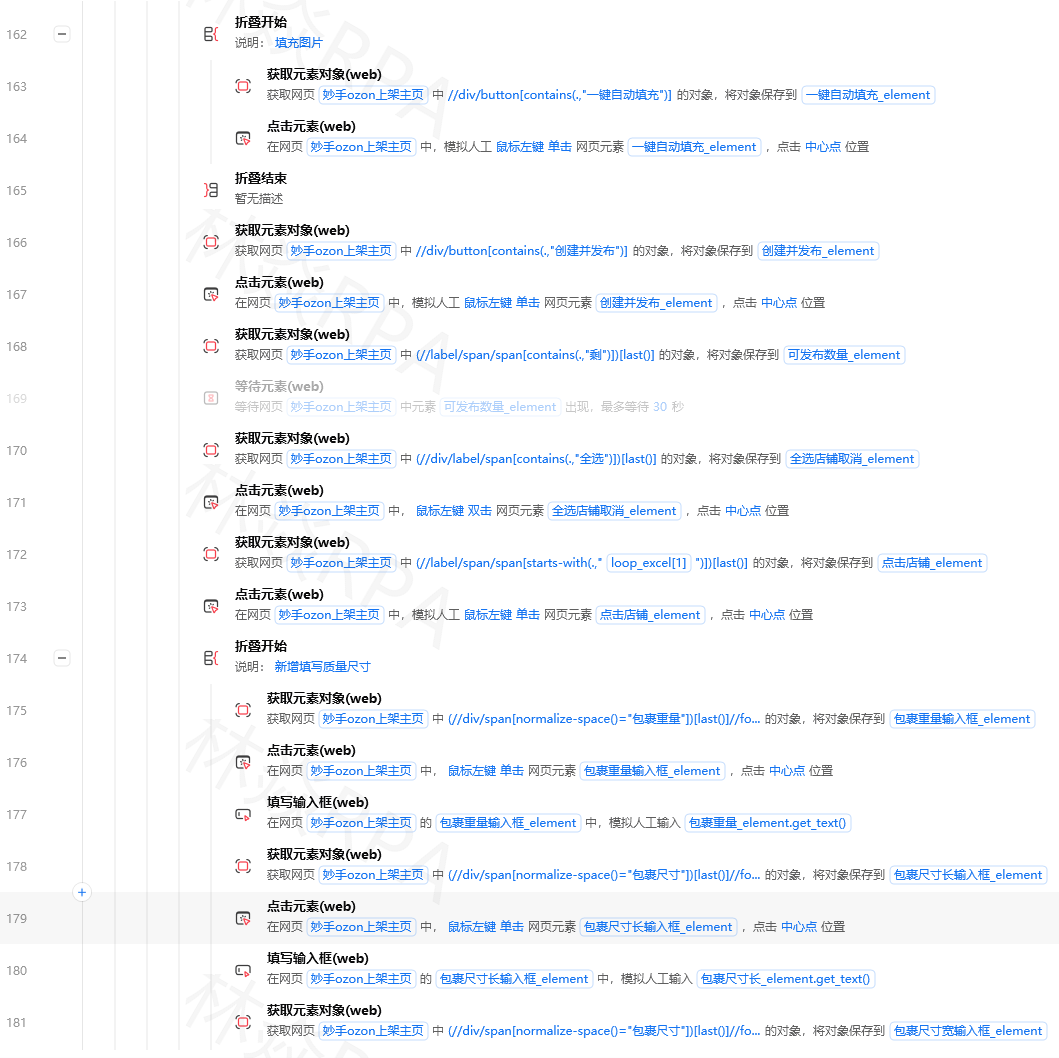
本文就把老李的优化秘籍全部公开——从思路到方法到代码,手把手教你把慢吞吞的RPA流程变成飞毛腿。
二、为什么你的RPA流程很慢?常见瓶颈分析
在开始优化之前,必须先找到真正的瓶颈在哪里。
2.1 RPA流程的五大性能瓶颈
┌──────────────────────────────────────────────────────────┐
│                  RPA 流程执行时间分布                      │
├────────────┬─────────────────────────────────────────────┤
│  瓶颈类型   │  占比(典型)  │  示例                        │
├────────────┼─────────────┼───────────────────────────────┤
│ 🌐 网络IO  │  40%-70%    │  页面加载/请求等待/API调用      │
│ ⏳ 固定等待  │  15%-30%    │  sleep(3) / 等待元素出现       │
│ 🔍 元素查找  │  5%-15%     │  选择器匹配/页面DOM遍历        │
│ 💾 数据处理  │  5%-10%     │  大列表循环/字符串操作/文件IO   │
│ 🖥️ UI渲染   │  2%-5%      │  浏览器重绘/窗口切换           │
└────────────┴─────────────┴───────────────────────────────┘

⚡ 核心结论: 网络和等待占了80%以上的时间!
   优化的主战场就在这两个地方。
2.2 如何定位你的瓶颈
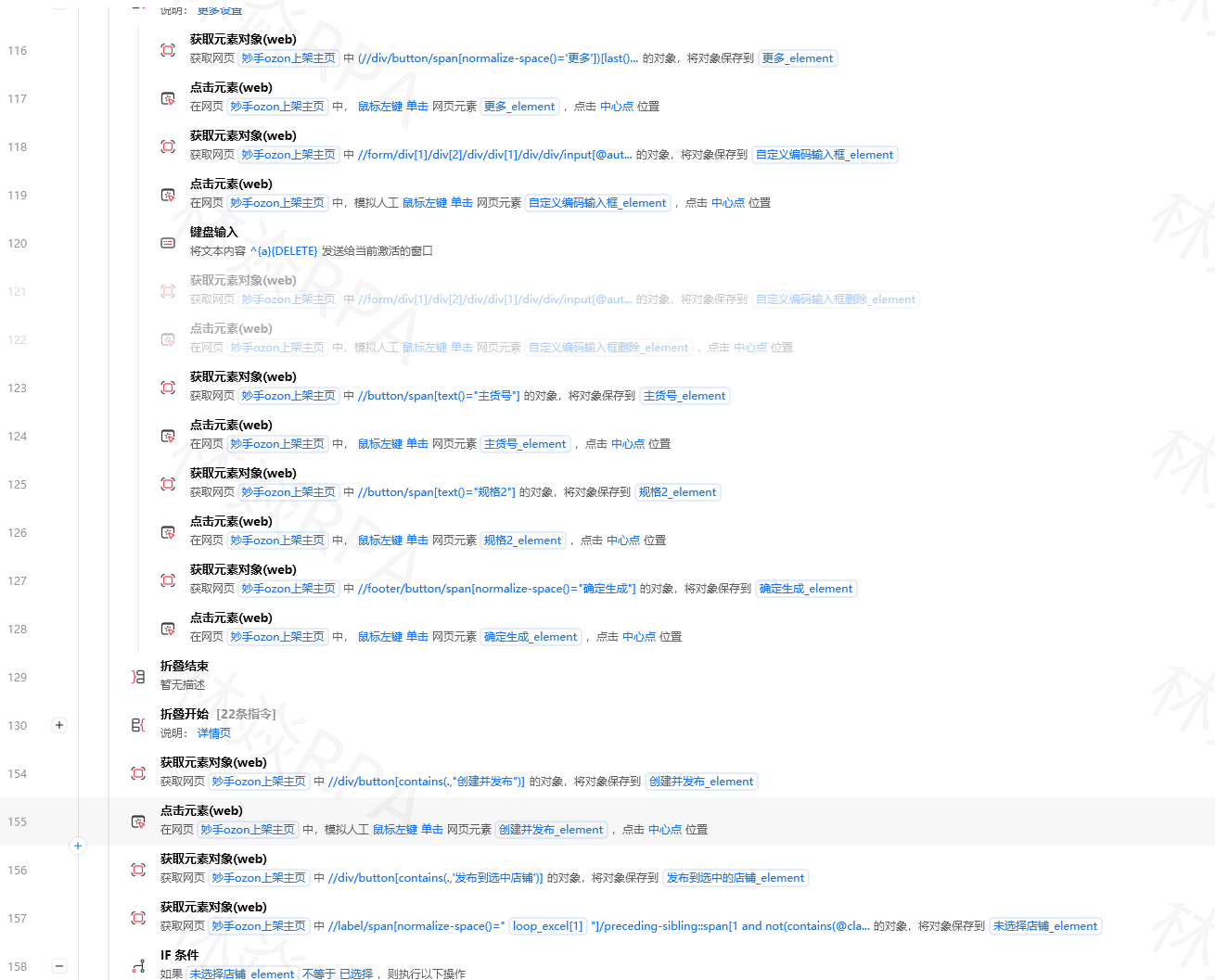
import time
from functools import wraps

def timing_decorator(func):
    """计时装饰器——给每段代码计时"""
    @wraps(func)
    def wrapper(*args, **kwargs):
        start = time.perf_counter()
        result = func(*args, **kwargs)
        elapsed = time.perf_counter() - start
        print(f"⏱️ {func.__name__}: {elapsed:.2f}s")
        return result
    return wrapper


class RPAProfiler:
    """RPA流程性能分析器"""

    def __init__(self):
        self.timers = {}
        self.current_timer = None

    def start(self, name):
        """开始计时某个阶段"""
        self.current_timer = name
        self.timers[name] = {"start": time.perf_counter(), "children": []}
        print(f"▶ 开始: {name}")

    def stop(self):
        """结束当前计时"""
        if self.current_timer:
            elapsed = time.perf_counter() - self.timers[self.current_timer]["start"]
            self.timers[self.current_timer]["duration"] = elapsed
            print(f"◼ 结束: {self.current_timer} ({elapsed:.2f}s)")
            self.current_timer = None

    def report(self):
        """生成性能报告"""
        total = sum(t.get("duration", 0) for t in self.timers.values())
        print("\n" + "=" * 50)
        print("📊 性能分析报告")
        print("=" * 50)

        sorted_timers = sorted(
            self.timers.items(),
            key=lambda x: x[1].get("duration", 0),
            reverse=True
        )

        for name, info in sorted_timers:
            duration = info.get("duration", 0)
            pct = (duration / total * 100) if total > 0 else 0
            bar_len = int(pct / 2)
            bar = "█" * bar_len + "░" * (50 - bar_len)
            print(f"  {name:<25} {duration:>7.2f}s  {bar} {pct:.1f}%")

        print(f"\n  总计: {total:.2f}s")
        return self.timers


# ====== 在你的流程中使用 ======
profiler = RPAProfiler()

profiler.start("打开网页")
navigate_to("https://www.example.com")
profiler.stop()

profiler.start("登录操作")
login(username, password)
profiler.stop()

profiler.start("数据采集(100个商品)")
collect_items(100)
profiler.stop()

profiler.start("写入Excel")
save_to_excel(data)
profiler.stop()

# 查看报告
profiler.report()
输出示例:
==================================================
📊 性能分析报告
==================================================
  数据采集(100个商品)         145.20s  ████████████████████████████ 76.4%
  打开网页                      18.50s  ████                         9.7%
  写入Excel                     12.80s  ██                           6.7%
  登录操作                       8.90s  █                            4.7%
  ───────────────────────────────────────────────────
  总计: 185.40s
一目了然:76%的时间花在了数据采集上,这就是你的主攻方向!
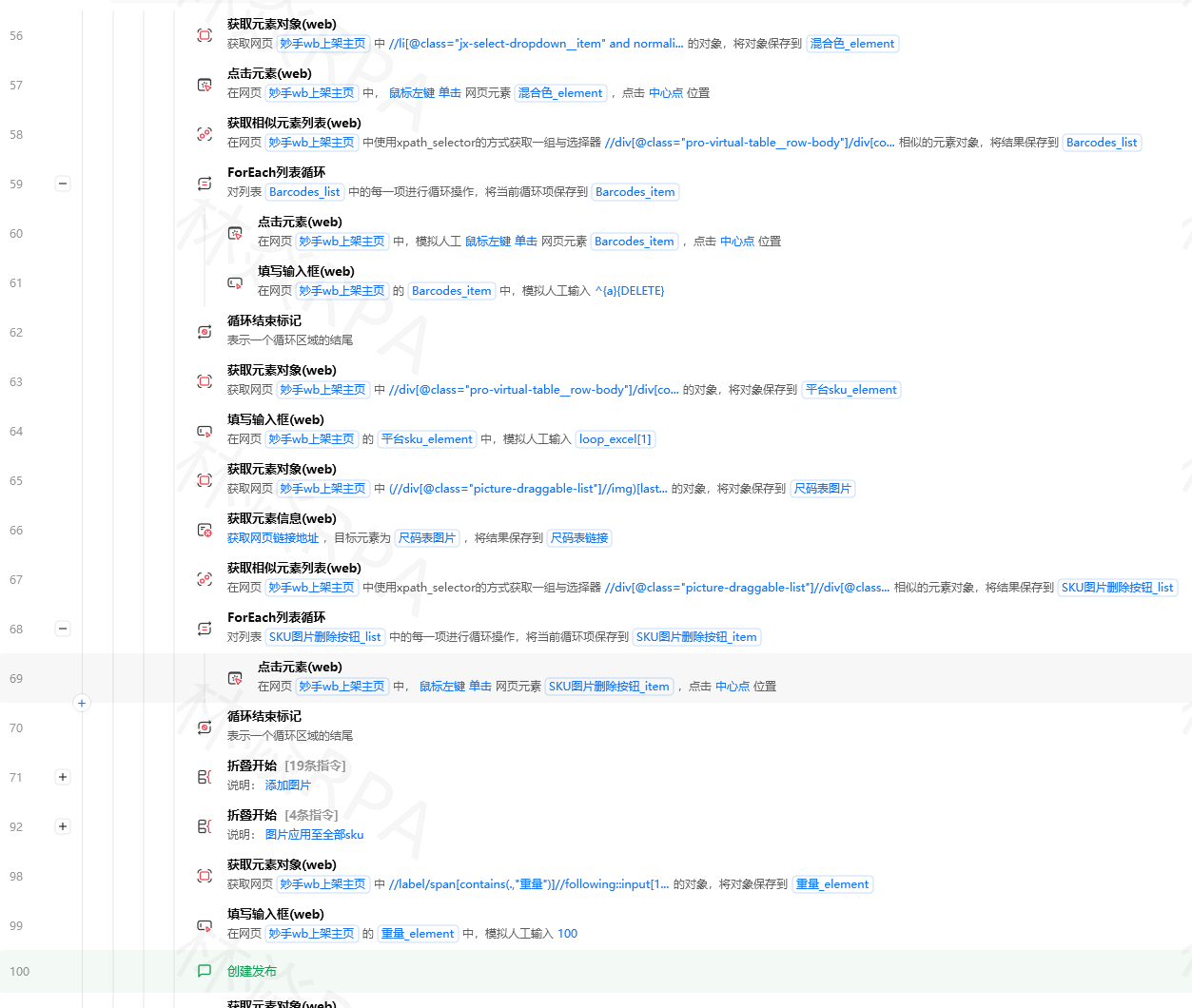
拼多多店群自动化上架方案
三、网络IO优化(最大收益)
3.1 减少不必要的页面加载
# ❌ 低效做法:每次都完整加载页面
for i in range(1, 101):
    navigate(f"https://example.com/page/{i}")
    wait_for_page_load()  # 等待完整加载 2-5秒
    extract_data()

# ✅ 优化方案A:使用AJAX接口直接请求数据
import requests
import json

session = requests.Session()
session.headers.update({
    'User-Agent': 'Mozilla/5.0 ...',
    'Cookie': 'your_session_cookie'  # 从浏览器获取
})

for page in range(1, 101):
    # 直接调用后台API,跳过页面渲染
    url = f"https://api.example.com/items?page={page}&size=20"
    response = session.get(url, timeout=10)
    data = response.json()
    process_data(data['items'])
    # API响应通常在 200ms 以内,比页面加载快 10-20 倍!
3.2 并发采集(速度提升最明显的方法)
import concurrent.futures
import requests
import time

def fetch_single_item(item_id):
    """获取单个商品的详情"""
    url = f"https://api.example.com/item/{item_id}"
    try:
        resp = requests.get(url, timeout=15)
        return resp.json()
    except Exception as e:
        return {"id": item_id, "error": str(e)}

def concurrent_fetch(item_ids, max_workers=5):
    """
    并发采集多个商品
    max_workers: 并发数(建议3-8,太多可能被限流)
    """
    results = []

    with concurrent.futures.ThreadPoolExecutor(max_workers=max_workers) as executor:
        # 提交所有任务
        future_to_id = {
            executor.submit(fetch_single_item, item_id): item_id
            for item_id in item_ids
        }

        # 获取结果
        for future in concurrent.futures.as_completed(future_to_id):
            item_id = future_to_id[future]
            try:
                data = future.result()
                results.append(data)
            except Exception as e:
                print(f"商品 {item_id} 失败: {e}")

    return results


# ====== 效果对比 ======
item_ids = list(range(1, 101))

print("=== 串行采集 ===")
start = time.time()
serial_results = [fetch_single_item(i) for i in item_ids[:10]]  # 只测试10个
serial_time = time.time() - start
print(f"10个商品耗时: {serial_time:.1f}s → 预估100个需: {serial_time*10:.1f}s")

print("\n=== 并发采集(5线程) ===")
start = time.time()
concurrent_results = concurrent_fetch(list(range(1, 11)), max_workers=5)
concurrent_time = time.time() - start
print(f"10个商品耗时: {concurrent_time:.1f}s → 预估100个需: {concurrent_time*10:.1f}s")

speedup = serial_time / concurrent_time if concurrent_time > 0 else 0
print(f"\n🚀 提速倍数: {speedup:.1f}x")
3.3 连接池与会话复用
# ❌ 每次请求都创建新连接(慢!)
for url in urls:
response = requests.get(url) # 每次都要TCP握手 + TLS握手
# ✅ 使用Session复用连接(快很多)
session = requests.Session()
# 配置连接池
from requests.adapters import HTTPAdapter
adapter = HTTPAdapter(
pool_connections=10, # 连接池大小
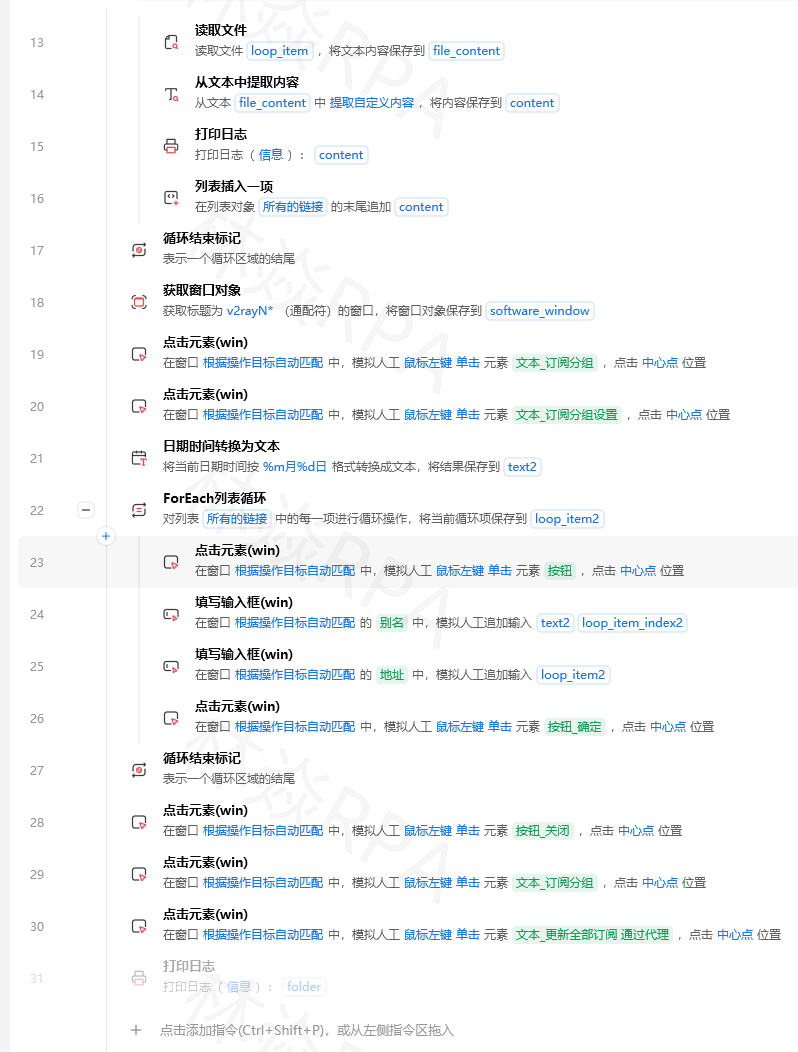
pool_maxsize=20, # 最大连接数
max_retries=3 # 自动重试次数
)
session.mount('http://', adapter)
session.mount('https://', adapter)
# 后续所有请求都复用同一个TCP连接
for url in urls:
response = session.get(url) # 复用已有连接,省去握手开销
3.4 缓存策略
import hashlib
import json
import os
from datetime import datetime, timedelta

class ResponseCache:
    """API响应缓存——避免重复请求相同数据"""

    def __init__(self, cache_dir="./cache", ttl_hours=24):
        self.cache_dir = cache_dir
        self.ttl = timedelta(hours=ttl_hours)
        os.makedirs(cache_dir, exist_ok=True)

    def _cache_key(self, url, params=None):
        """根据URL+参数生成唯一缓存key"""
        raw = f"{url}?{json.dumps(params or {}, sort_keys=True)}"
        return hashlib.md5(raw.encode()).hexdigest()

    def get(self, url, params=None):
        """尝试从缓存获取"""
        key = self._cache_key(url, params)
        path = os.path.join(self.cache_dir, f"{key}.json")

        if os.path.exists(path):
            mtime = datetime.fromtimestamp(os.path.getmtime(path))
            if datetime.now() - mtime < self.ttl:
                with open(path, 'r', encoding='utf-8') as f:
                    print(f"[缓存命中] {url[:50]}...")
                    return json.load(f)

        return None

    def set(self, url, data, params=None):
        """存入缓存"""
        key = self._cache_key(url, params)
        path = os.path.join(self.cache_dir, f"{key}.json")

        with open(path, 'w', encoding='utf-8') as f:
            json.dump(data, f, ensure_ascii=False)


# 使用
cache = ResponseCache(ttl_hours=12)  # 缓存12小时

def smart_fetch(url, params=None):
    """带缓存的智能请求"""

    # 1. 先查缓存
    cached = cache.get(url, params)
    if cached is not None:
        return cached

    # 2. 缓存没有才发起真实请求
    response = session.get(url, params=params, timeout=15)
    data = response.json()

    # 3. 存入缓存供下次使用
    cache.set(url, data, params)

    return data
四、等待策略优化(第二大收益)
4.1 用智能等待替代固定 sleep
import time

# ❌ 最常见的低效模式
click("#search_button")
sleep(3)  # 不管页面是否就绪,傻等3秒

# ✅ 方案1: 等待元素可见(推荐)
click("#search_button")
wait_until_visible(".search-results", timeout=10)  # 出现了立刻继续

# ✅ 方案2: 等待条件满足
click("#submit")
wait_until(lambda: len(get_table_rows()) > 0,
          timeout=15,
          check_interval=0.5)

# ✅ 方案3: 最短等待(轮询检测)
def smart_wait(condition_func, timeout=10, interval=0.2):
    """
    智能等待:每隔interval秒检查一次条件
    条件满足立即返回,超时则抛异常
    """
    start = time.time()
    while time.time() - start < timeout:
        try:
            if condition_func():
                elapsed = time.time() - start
                print(f"✅ 条件满足! 实际等待: {elapsed:.2f}s")
                return True
        except Exception:
            pass
        time.sleep(interval)

    raise TimeoutError(f"等待超时({timeout}s): 条件未满足")


# 使用示例
smart_wait(lambda: get_element_text("#status") == "完成", timeout=20)
4.2 影刀中的等待指令选择
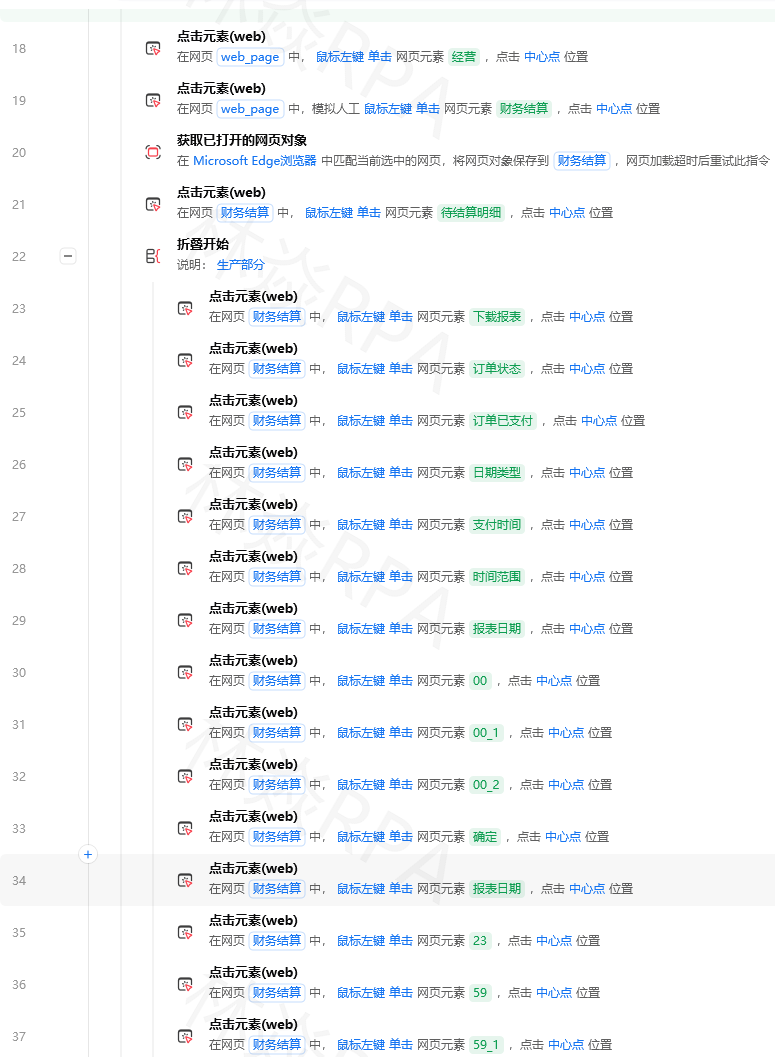
| 指令名称 | 适用场景 | 推荐度 |
|---|---|---|
| 等待元素出现 | 点击按钮后等新内容加载 | ⭐⭐⭐⭐⭐ |
| 等待元素消失 | 等loading动画消失 | ⭐⭐⭐⭐⭐ |
| 等待页面加载完成 | 导航到新页面后 | ⭐⭐⭐⭐ |
| 固定时间等待 | 仅用于模拟人类节奏 | ⭐⭐ |
| 自定义条件等待 | 复杂业务逻辑判断 | ⭐⭐⭐⭐ |
4.3 批量操作时的等待优化
# ❌ 循环中每个操作都等待
for row in rows:
    click(row["selector"])
    sleep(1)      # 每行等1秒 → 100行要100秒

# ✅ 批量操作减少等待
for batch_start in range(0, len(rows), 10):  # 每批10条
    batch = rows[batch_start:batch_start+10]

    for row in batch:
        click(row["selector"])
        # 不再逐个等待

    sleep(2)  # 每批次统一等待一次
    # 100行只需 10次×2秒 = 20秒(vs 原来的100秒)
五、数据处理优化
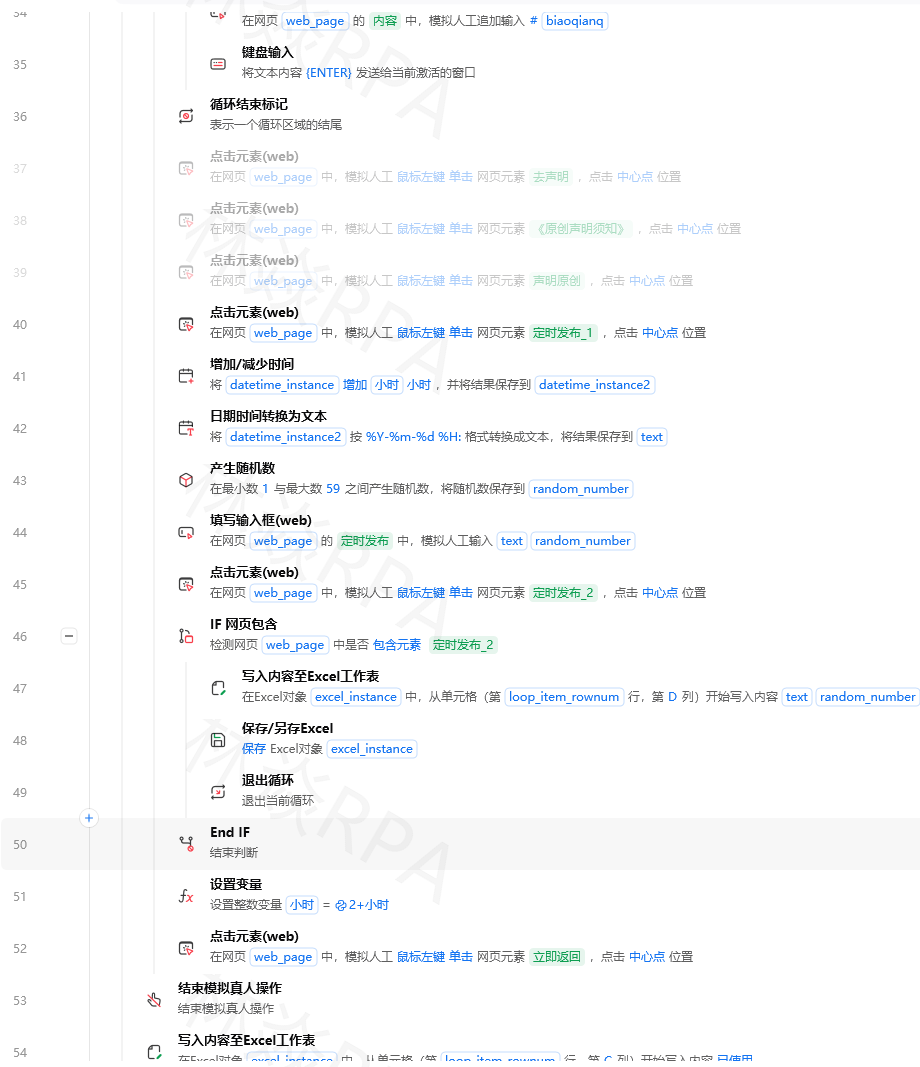
5.1 列表操作的效率差异
import timeit

# ❌ 低效: 列表中频繁删除元素
data = list(range(10000))

def slow_remove():
    items = data.copy()
    for i in items[:]:  # 遍历副本
        if i % 2 == 0:
            items.remove(i)  # remove是O(n)操作!
    return items

# ✅ 高效: 列表推导式一次性过滤
def fast_filter():
    items = data.copy()
    return [x for x in items if x % 2 != 0]  # O(n),一次遍历搞定

t_slow = timeit.timeit(slow_remove, number=10)
t_fast = timeit.timeit(fast_filter, number=10)
print(f"slow_remove: {t_slow:.4f}s")
print(f"fast_filter: {t_fast:.4f}s")
print(f"加速: {t_slow/t_fast:.1f}x")  # 通常快 50-100 倍!
5.2 Excel 写入优化
# ❌ 逐单元格写入(非常慢)
for row_idx, row_data in enumerate(all_data):
    for col_idx, value in enumerate(row_data):
        sheet.cell(row=row_idx+1, column=col_idx+1).value = value

# ✅ 批量写入整行(快10-50倍)
for row_idx, row_data in enumerate(all_data):
    sheet.append(row_data)  # 一次性追加一行

# ✅ 更快: 全部准备好后一次性写入
# 先收集所有数据到一个二维数组
all_rows = [process_item(item) for item in items]

# 然后一次性写入
for row in all_rows:
    sheet.append(row)

# 或者使用 pandas 的 to_excel(最快)
import pandas as pd
df = pd.DataFrame(all_rows, columns=["商品名", "价格", "库存", "评分"])
df.to_excel(output_path, index=False)
5.3 字符串拼接优化
# ❌ 循环中不断拼接字符串(O(n²)复杂度)
result = ""
for item in items:
    result += str(item) + ","  # 每次都创建新字符串对象

# ✅ 用列表收集,最后 join(O(n)复杂度)
parts = []
for item in items:
    parts.append(str(item))
result = ",".join(parts)

# ✅ 更简洁的写法
result = ",".join(str(item) for item in items)
六、架构级优化
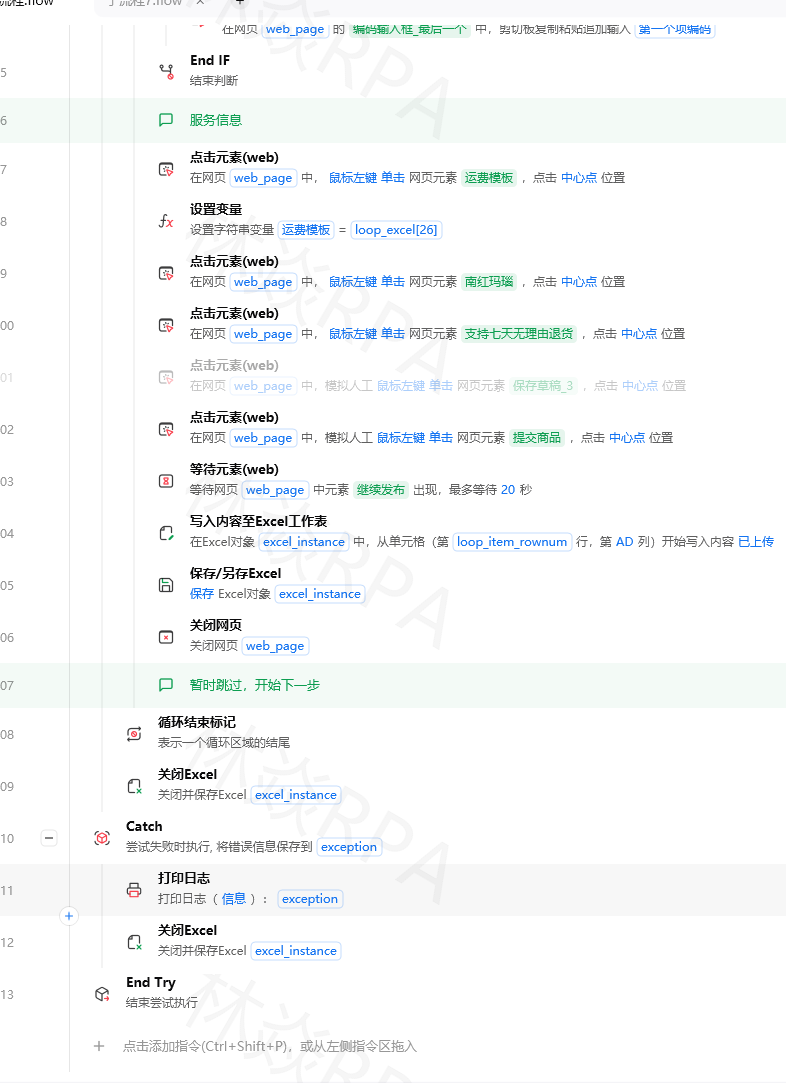
6.1 分而治之:子流程并行
原始流程(串行):
  登录 → 采集淘宝(3min) → 采集京东(3min) → 采集拼多多(3min) → 汇总(1min)
  总计: 10分钟

优化后(并行):
  登录 → 同时采集淘宝/京东/拼多多(各3min) → 汇总(1min)
  总计: 4分钟  (节省60%!)
在影刀RPA中实现:
import threading
import queue

def collect_from_platform(platform_name, target_url, output_queue):
    """单个平台的采集任务"""
    print(f"[{platform_name}] 开始采集...")
    start = time.time()

    data = do_collection(target_url)

    elapsed = time.time() - start
    print(f"[{platform_name}] 完成! 耗时{elapsed:.1f}s, 采集{len(data)}条")
    output_queue.put({"platform": platform_name, "data": data})


# 创建结果队列
result_queue = queue.Queue()

# 启动多个采集线程(并行执行)
threads = [
    threading.Thread(target=collect_from_platform,

[video(video-bnb908Wt-1781887478056)(type-csdn)(url-https://live.csdn.net/v/embed/524993)(image-https://v-blog.csdnimg.cn/asset/a547123d88ad712dccba346c9217e237/cover/Cover0.jpg)(title-TEMU店群如何管理运营?)]

                    args=("淘宝", "https://s.taobao.com", result_queue)),
    threading.Thread(target=collect_from_platform,
                    args=("京东", "https://search.jd.com", result_queue)),
    threading.Thread(target=collect_from_platform,
                    args=("拼多多", "https://yangkeduo.com", result_queue)),
]

for t in threads:
    t.start()

for t in threads:
    t.join(timeout=300)  # 最多等5分钟

# 收集所有结果
all_results = []
while not result_queue.empty():
    all_results.append(result_queue.get())

print(f"\n全部平台采集完成! 共 {sum(r['data'].__len__() for r in all_results)} 条数据")
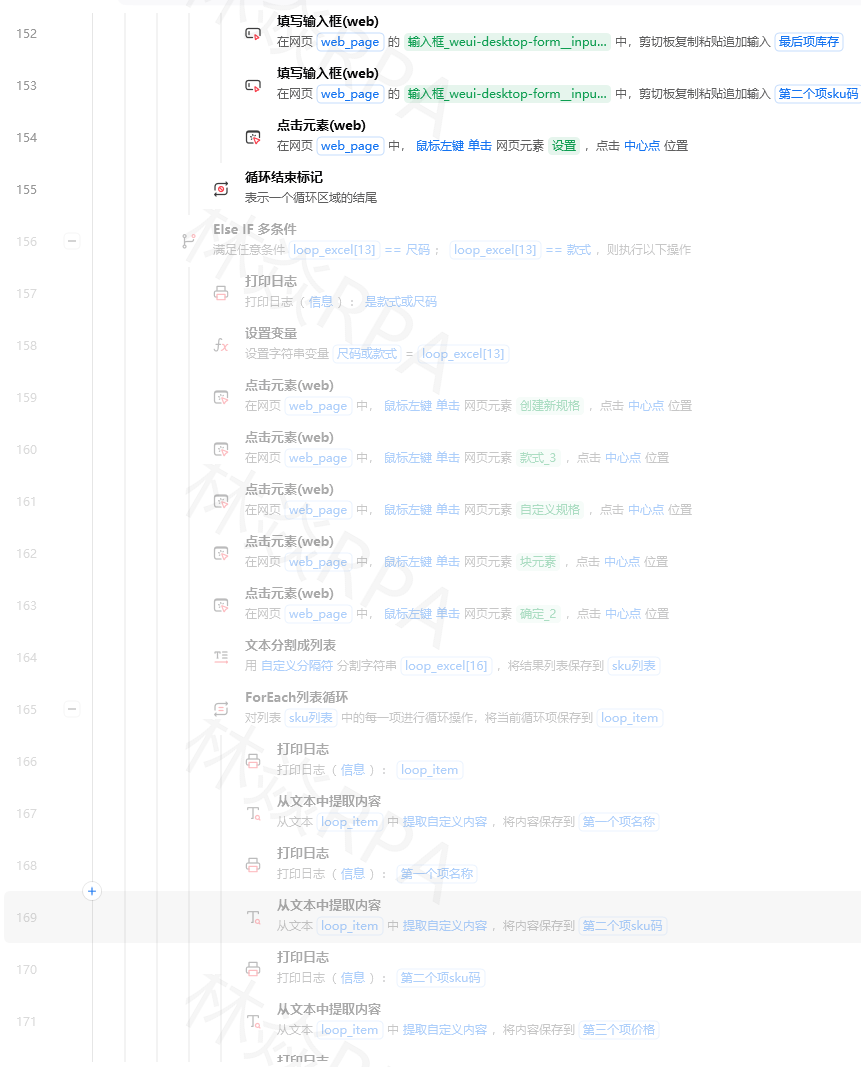
6.2 增量处理 vs 全量重新处理
# ❌ 每次运行都从头处理全部数据
def full_process_all():
    all_items = collect_all_items()  # 1000个商品
    for item in all_items:
        process_and_save(item)

# ✅ 只处理新增/变更的数据
def incremental_process(last_processed_id):
    new_items = collect_items_since(last_processed_id)  # 只取新的20个

    for item in new_items:
        process_and_save(item)

    if new_items:
        save_checkpoint(new_items[-1]['id'])  # 记录进度

    return len(new_items)


# 影刀定时任务中使用:
checkpoint = load_last_checkpoint()  # 读取上次处理的进度
new_count = incremental_process(checkpoint)
print(f"本次处理了 {new_count} 条新数据(跳过已处理的)")
七、完整的优化清单(速查表)
优化优先级排序(按投入产出比)
优先级 P0 (必做 - 提速 3-10x):
├── 1. 替换固定sleep为智能等待(元素可见/条件满足)
├── 2. 发现并使用后台API替代页面操作
├── 3. 引入并发/多线程处理独立任务
├── 4. 使用Session/连接池复用网络连接
└── 5. 增量处理代替全量重跑

优先级 P1 (推荐 - 提速 1.5-3x):
├── 6. API响应缓存(避免重复请求相同数据)
├── 7. Excel批量写入(append/to_excel)
├── 8. 列表推导式替代循环remove
├── 9. 字符串join替代循环拼接
└── 10. 子流程拆分 + 关键路径并行化

优先级 P2 (进阶 - 提速 1.2-1.5x):
├── 11. 正则表达式预编译
├── 12. 数据库批量INSERT替代逐条插入
├── 13. 图片压缩/延迟加载
├── 14. 日志级别调整(生产环境关闭DEBUG)
└── 15. 内存管理(及时释放大对象引用)
八、总结
性能优化不是玄学,它是一门有章可循的工程学科。
核心方法论:
- 📊 先测量: 不知道哪里慢就别瞎改 —— 用 Profiler 找到真正的瓶颈
- 🎯 抓大头: 网络+等待占80%时间,优化这两块收益最高
- ⚡ 并发化: 独立的任务可以同时做,不要排大队
- 🔄 少干活: 缓存、增量处理、避免重复计算
- 🧩 选对工具: append > 单元格循环,join > +=,Session > 每次新建
- 📈 持续监控: 优化后要持续观察效果,防止退化
一句话总结: 一个好的性能优化过程 = 测量定位 → 抓主要矛盾 → 用正确的方法解决 → 验证效果。遵循这个闭环,任何慢吞吞的RPA流程都能变成闪电侠。💨
📖 相关文章推荐
- 影刀RPA调试技巧 — 性能分析的基础技能
- 影刀RPA数据采集实战 — 采集场景的性能优化
- 影刀RPA API接口调用 — 高效API调用的最佳实践
- 影刀RPA日志系统设计 — 监控流程运行状态
💡 觉得有帮助? 点赞收藏 + 关注我,持续分享影刀RPA实用技巧!有任何问题欢迎评论区留言交流 🙋♂️

电商企业物流数字化转型必备!快递鸟 API 接口,72 小时快速完成物流系统集成。全流程实战1V1指导,营造开放的API技术生态圈。
更多推荐



 10
10 0
0- 0


 已为社区贡献92条内容

所有评论(0)